Getting online in Japan, and what that address does nextThe connection is the easy half
All three options hand you the same underlying thing — a Japanese IP address. That is what makes Japanese sites behave, and it is also why your bank at home starts asking who you are.
Comparisons of travel connectivity tend to stop at the moment you have a signal, as though the problem were solved there. For a two-week trip the choice between a downloadable profile, a rented router and a plastic card is mostly a question of how many people are travelling and how much you want to carry. It is not a difficult decision and it does not deserve the length it usually gets.
The part that does deserve attention starts afterwards. Whichever you pick, you are browsing from a Japanese address, and a surprising number of the things you use every day decide what to show you from exactly that. This page covers the first choice briefly and then spends its time on the second, because that is the half we can actually measure.
- All three give you a Japanese address — they differ in hardware, not in geography
- One traveller with a modern phone: an eSIM, and the decision is over
- Two or more people, or a laptop that matters: a rented router is still simpler
- A Japanese address makes Japanese services work and foreign ones suspicious
- We measured Tokyo: roughly half of a raw line survived a tunnel, on both services
Pick by how many people, not by the product
The three options are less different than the volume of writing about them suggests. Each one puts your traffic onto a Japanese mobile network. What changes is what you carry, what you hand back, and how many devices can use it at once.
That last column is the one that actually decides it. A profile on a phone serves a phone. A rented router serves whoever is standing near it. If you are travelling alone with a recent handset, the question is already answered and the remaining paragraphs of most comparisons are decoration.
| Option | What it actually is | What it needs from you | How many devices | What you hand back |
|---|---|---|---|---|
| Travel eSIM | A profile you download. Nothing physical arrives | A recent phone that is unlocked and supports eSIM | One phone. Tethering depends on the plan | Nothing — it expires on its own |
| Pocket WiFi | A rented battery-powered router | Nothing special. Any device with Wi-Fi joins it | Several devices and several people at once | The device itself, by the agreed date |
| Airport SIM | A physical card you swap in at arrival | An unlocked phone, and somewhere to keep your own SIM | One phone, same as an eSIM | Nothing, though you keep the card |
VPN LIFE has not rented a pocket WiFi or bought a travel eSIM to test them, and this table does not pretend otherwise: it describes what each option is, not how fast any particular seller was. The figures we did measure ourselves are the speed tests further down.
We have not bought any of the three to test, so we are not going to rank sellers or quote prices we have not verified. What follows is the part we do collect.
The address is the point, and nobody follows it through
Here is what the three have in common, and it matters more than what separates them. From the moment you connect, the services you use read your location from the network, and they act on it without asking.
In one direction this is exactly what you want. Japanese sites that were awkward or half-translated from abroad behave normally. Transport apps, ticketing, restaurant booking, regional streaming — all of it stops treating you as a foreign visitor because, as far as the connection is concerned, you are not one.
In the other direction it is a nuisance you did not plan for. Your bank sees a login from a country you have never logged in from and challenges it, sometimes at the moment you need a card to work. Subscriptions you pay for at home show a different catalogue or refuse outright. Government and tax portals in several countries simply decline foreign addresses. That is not a fault in the eSIM or the router. It is the address doing its job in the direction you did not want.
Which half of the problem a VPN is for
A VPN is not a way of getting online — it needs the connection you have already bought. What it changes is which country your traffic appears to come from, which makes it the tool for the second half above and useless for the first.
The practical shape of this is simple. Leave the tunnel off for anything Japanese, because the Japanese address is the thing making it work. Turn it on, pointed at home, for the handful of services that want to see you where they left you. People who run it permanently in one position spend the trip confused about why maps and local payment apps behave strangely.
One detail decides whether this works at all, and it has to happen before you fly. Install the software and sign in while you are still at home. We have never read an account of a travel VPN failing that did not begin with somebody trying to download one after arrival.
One device or several — the same limit, on the other side
The pocket WiFi question has an exact counterpart on the VPN side, and it is the one people meet second. A rented router is sold on how many devices can share it. A VPN subscription is sold the same way, and the numbers are not large.
If your group settled on a shared router precisely because there are four of you, the subscription that protects those four has to allow four. Three of the seven providers we track publish no limit at all; the rest sit between five and fourteen.
| VPN | Devices at once | Money-back window |
|---|---|---|
| ExpressVPN | 14 devices | 30 days |
| NordVPN | 10 devices | 30 days |
| Surfshark | Unlimited | 30 days |
| CyberGhost | Not published in our set | 45 days |
| Private Internet Access | Unlimited | 30 days |
| Mullvad VPN | 5 devices | 14 days |
| Windscribe | Unlimited | 7 days |
Taken from each provider's own published terms, re-read daily. "Unlimited" is the provider's word, not a measurement of ours. CyberGhost's 45 days applies to its six-month and two-year plans only; the shorter plans carry a 14-day window.
The money-back column is there because it is the cheapest way to settle this. The windows run from seven to thirty days in our set, which is longer than most trips. Installing two before leaving and keeping the one that behaves costs nothing if you cancel the other inside its window.
Where each choice tends to go wrong
These are the failures that actually get described, rather than the ones the product pages warn you about.
- The eSIM that cannot be installed. The profile is bought, the phone is locked or too old, and the discovery happens at the arrival gate. Check both before you pay, not after.
- The router nobody wants to carry. It is a second device with its own battery and its own charger, and it has to be returned. For one traveller this is the whole cost of the option.
- The group that splits up. A shared router only works while everyone is near it. If the party separates for a day, whoever walked away has nothing.
- The VPN installed too late. Covered above, and it remains the most common single failure we see described.
- The tunnel left on by accident. Japanese services then see a foreign address again, which is the exact problem you bought the connection to avoid.
What we measured, and what it does not tell you
The speed table below is ours. We ran paired tests by hand — the same line, the same session, with and without a tunnel — rather than repeating a provider's claim. In Tokyo roughly half of the raw line survived on both services we measured, against around nine tenths in London on the same services in the same week.
What that does not tell you is how fast your eSIM or your rented router will be. We measured a fixed line, not a mobile network, and the carrier, the hour and the building will move a mobile result further than the choice of VPN does. Read the table as the cost of the tunnel, not as a forecast of your trip.
We also say where our own sample is too thin to conclude anything. Of the cities below, we only name a faster service where we have at least five paired runs and a gap of at least ten per cent. In the rest we publish the numbers and leave them undecided.
How much speed actually survives the tunnel
Every VPN site says a tunnel costs you speed. Almost none of them say how much. We measured it by hand rather than repeating a claim: 14 cities, 46 paired runs, comparing NordVPN and Surfshark against the same raw line in the same session. In the 11 cities where we also measured the bare line, the share that survived the tunnel ranged from 40% to 90%.
| City | Raw line | NordVPN | Surfshark | Paired runs |
|---|---|---|---|---|
| Tokyo | 780 Mbps | 444.9 Mbps (57%) | 399.9 Mbps (51%) | 9 |
| London | 790 Mbps | 712.6 Mbps (90%) | 713.5 Mbps (90%) | 9 |
| New York | 760 Mbps | 598.9 Mbps (79%) | 556.6 Mbps (73%) | 7 |
| Los Angeles | 530 Mbps | 358.8 Mbps (68%) | 305.8 Mbps (58%) | 5 |
Measured by VPN LIFE. Raw-line figures are rounded to the nearest 10 Mbps. Percentages are the share of the raw line that survived.
- 14 cities, 46 paired runs, measured by hand
- 11 of those cities also have the bare line measured
- 40% to 90% of the raw line survived
- We only name a winner in 4 cities — the rest have too few runs
The spread between cities is larger than the spread between providers. In London roughly nine tenths of the line survived on both services; in Tokyo it was closer to half. That is worth knowing before you blame the provider: "this VPN is slow" is usually "this route is slow".
We only call a winner in a city when we have five or more paired runs there and the gap is at least 10%. That threshold is met in 4 of the 14 cities — Tokyo and Los Angeles, where NordVPN averaged ahead, and London and New York, where the two were level. In the remaining ten cities we publish the numbers and say the sample is too small, rather than ranking on one run.
How much of the line survived the tunnel
How long you have to change your mind






The apps behind our measurements
The providers we track, and what each publishes for Japan
We rank on what we can check. Each of the five below publishes a location in this use; the tables are our own counts and the providers' own published terms, not a summary of their marketing.
ExpressVPN: the widest spread of cities
ExpressVPN
ExpressVPN publishes more multi-city countries than anyone else in our set — 11 countries where you can pick between two or more locations, including 56 in the United States, 7 in the United Kingdom, 6 in Australia and 4 in Japan. If your problem is a blocked address rather than a missing country, that spread is the thing that gets you out of it. It is the most expensive option here, and it is the one we would pick for streaming.
| ExpressVPN | |
|---|---|
| Locations in this country | 4 cities |
| Countries covered | 112 of the 155 we count |
| Money-back window | 30 days |
NordVPN: the largest country list, and the one we measured
NordVPN

NordVPN covers more countries than anything else we track. It is also one of the two services we measured ourselves, so the retention figures above are its actual numbers rather than a claim. It operates from Panama, has been audited by Deloitte, allows 10 simultaneous connections, and lists obfuscated servers and a kill switch among its features — the two things that matter where VPN traffic is filtered.
| NordVPN | |
|---|---|
| Locations in this country | 2 cities |
| Countries covered | 150 of the 155 we count |
| Money-back window | 30 days |
| Operates under the law of | Panama |
| No-logs claim examined by | Deloitte |
| Features the provider names | Threat Protection, Double VPN, obfuscated servers, Meshnet, dedicated IP, kill switch and split tunnelling |
Surfshark: unlimited devices, and level with NordVPN in half our tests
Surfshark
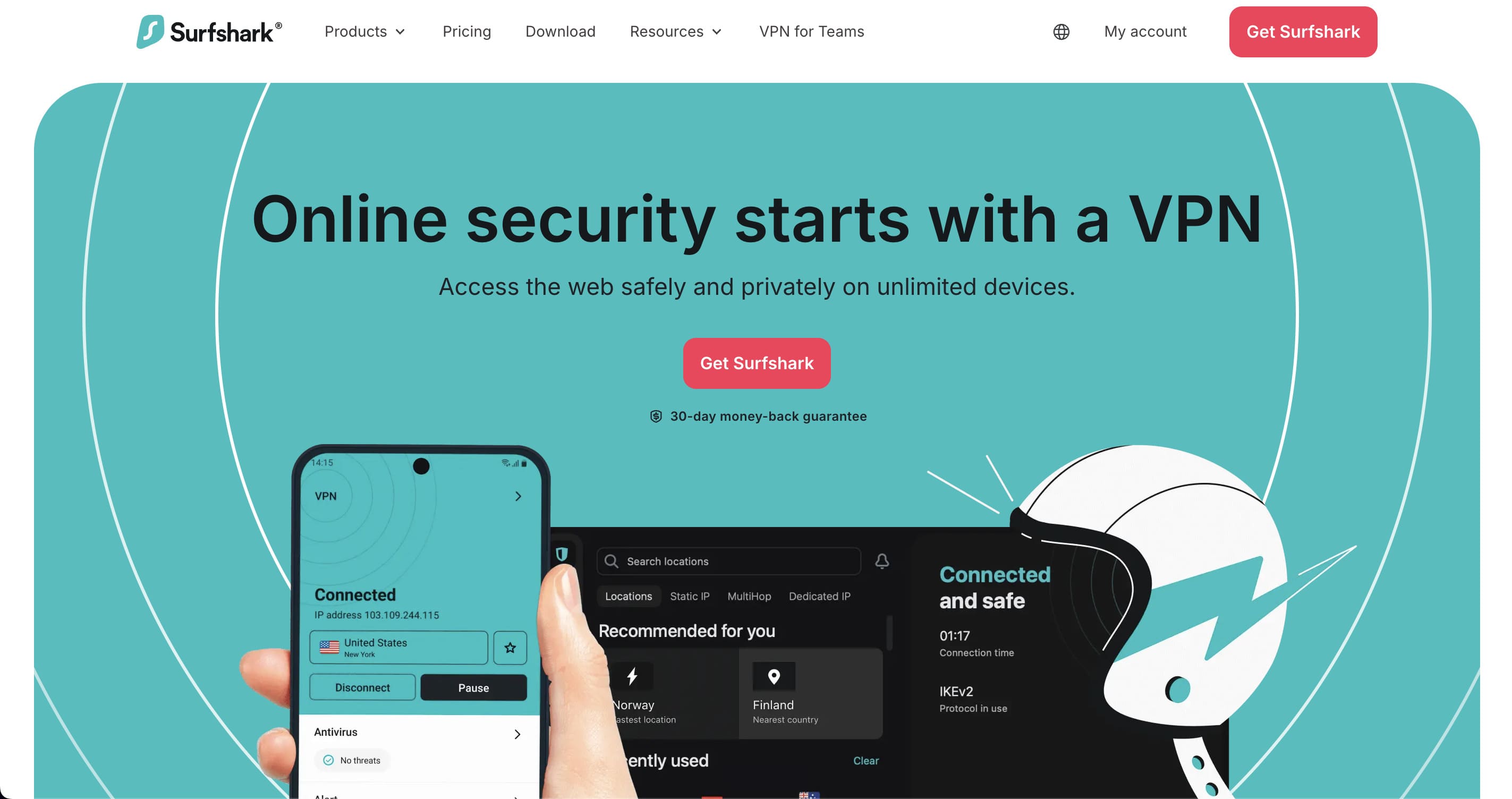
Surfshark is the other service in our own measurements. In London and New York it was level with NordVPN; in Tokyo and Los Angeles it trailed by 11% and 17%. It places no limit on simultaneous connections, which makes it the sensible choice for a household rather than a person. Audited by Deloitte, operating from the Netherlands, with Camouflage Mode for networks that filter VPN traffic.
| Surfshark | |
|---|---|
| Locations in this country | 1 city |
| Countries covered | 100 of the 155 we count |
| Money-back window | 30 days |
| Operates under the law of | the Netherlands |
| No-logs claim examined by | Deloitte |
| Features the provider names | CleanWeb, Dynamic MultiHop, rotating IP, Camouflage Mode, kill switch and split tunnelling (Bypasser) |
CyberGhost: the longest money-back window, with a catch
CyberGhost
CyberGhost's 45-day money-back guarantee is the longest here, and it is the reason it appears on most lists. Read the condition: 45 days applies to the six-month and two-year plans, and the monthly plan gets 14 days. It publishes 10 multi-city countries, with 11 locations in the United States, but only a single city in Japan — so it is a weaker choice if Japanese services are your target.
| CyberGhost | |
|---|---|
| Locations in this country | 1 city |
| Countries covered | 100 of the 155 we count |
| Money-back window | 45 days (six-month and two-year plans; 14 days on monthly) |
Private Internet Access: unlimited connections, US jurisdiction
Private Internet Access
PIA places no limit on devices and publishes an Advanced Kill Switch, obfuscation, multi-hop and port forwarding. Its no-logs claim has been audited by Deloitte Audit Romania. The trade-off is jurisdiction: it operates from the United States, which some readers will rule out on principle. We list it because the rest of the record is strong and because it is one of only four providers with two or more cities in Japan.
| Private Internet Access | |
|---|---|
| Locations in this country | 2 cities |
| Countries covered | 104 of the 155 we count |
| Money-back window | 30 days |
| Operates under the law of | the United States |
| No-logs claim examined by | Deloitte (Deloitte Audit Romania) |
| Features the provider names | unlimited connections, PIA MACE ad and tracker blocking, Advanced Kill Switch, split tunnelling, multi-hop, obfuscation and port forwarding |
Frequently asked questions
Do I need a VPN if I already have an eSIM?
They solve different problems. The eSIM gets you online; the VPN changes which country you appear to be in. You need the second only if something you use from home refuses a Japanese address — typically banking, a government portal, or a subscription whose catalogue changes.
Will a VPN make my Japanese connection faster?
No, and it will usually make it slower. A tunnel adds distance and encryption. In our own paired tests in Tokyo, about half of the raw line survived. Use it for what it changes about your address, not for speed.
Can I use one subscription for everyone in the group?
Up to the limit in the table above, which is unlimited for three of the seven providers we track and between five and fourteen for the rest. A shared router and a five-device subscription is a combination that runs out sooner than people expect.
Can I use a free VPN for this?
Usually not, and the reason is measurable rather than moral. Even on paid services we measured, between 10% and 60% of the raw line disappears into the tunnel — in Tokyo a 780 Mbps line came out at roughly half. Free tiers add a data cap and a much smaller server list on top of that. They also have to earn money somewhere, and where the product is free the revenue usually comes from the traffic itself.
Conclusion
Decide the connection on how many of you there are, and give the decision five minutes rather than an afternoon. Then spend the attention you saved on the half that bites: install and sign in to a VPN before you leave, and know which of your own services will object to a Japanese address.
The speed figures, the per-country server counts and the published terms above are all our own, collected daily and republished in full.
Every figure on this page comes from our own daily collection or our own measurements. The files are published as open data under CC BY 4.0, and the method — including what the numbers do not prove — is on how we test.