Public Wi-Fi and what a VPN actually fixesThe honest version, including what it does not cover
A VPN hides which sites you open from the network operator. It does not make a compromised device safe, and most articles on this topic blur the two.

Public Wi-Fi advice has been recycled for fifteen years, and much of it describes a threat model that has largely been closed by HTTPS. Almost every site now encrypts its content in transit, so the classic picture of someone reading your password out of the air is mostly historical.
What has not changed is that the network operator, and anyone who can see the same traffic, still learns which sites you connect to. That metadata is the real remaining exposure, and it is the thing a VPN actually removes.
- HTTPS already protects what you send. It does not hide where you send it
- A VPN hides the destination from the network operator
- It does not protect a device that is already compromised
- It does not stop you typing a password into a fake page
- Captive portals must be completed before the VPN connects
What is actually exposed on an open network
Three things, and only one of them is what people worry about.
Which sites you visit. Even with HTTPS, the destination is visible — through DNS lookups and the server name in the connection setup. The operator of a café network can build a list of every site every customer opened. This is real, it happens by default rather than through any attack, and it is what a VPN removes.
Your device on the local network. On a badly configured network, other guests may be able to reach your machine directly. This is a firewall problem rather than an encryption problem, and a VPN does not address it.
What you type into a fake page. If you connect to a network named after the hotel that is not the hotel's, and you are sent to a convincing login page, a VPN protects the transmission of credentials to an attacker perfectly. This is the failure mode that no tunnel helps with.
What a VPN changes, precisely
Everything your device sends goes into one encrypted connection to one server. The network operator sees that connection and its volume, and nothing else — not which sites, not which services, not the DNS lookups, because those go through the tunnel too on any competent client.
That is the whole benefit and it is worth having. It is also considerably narrower than "stay safe on public Wi-Fi", which is how it is usually sold.
The captive portal problem, which nobody mentions
Hotel and airport networks intercept your first request and send you to a page where you accept terms or enter a room number. A VPN connecting automatically at boot will break that, because the portal cannot intercept a tunnel that is already established. You end up with a connection that reports as connected and carries nothing.
The sequence that works is: join the network, complete the portal, then connect the VPN. If your client has a setting to allow local network access or to delay connection on new networks, that is what it is for.
This is also the moment of genuine exposure — the portal page is loaded outside the tunnel. Do not use that window to check your bank.
Where the kill switch earns its place
The realistic public Wi-Fi failure is not an attacker. It is your connection dropping for eight seconds as you walk past a lift, reconnecting outside the tunnel, and your device carrying on as though nothing happened. Traffic you assumed was covered is not.
A kill switch blocks all traffic the moment the tunnel drops, which converts a silent failure into an obvious one. Of the seven providers we track, five publish a feature list, and three of those name a kill switch: NordVPN, Surfshark and Private Internet Access — the last calling it an Advanced Kill Switch. Mullvad and Windscribe do not list one under that name.
If you use public networks regularly, this is the feature to check for. It is more consequential than any encryption specification on the marketing page.
What still needs doing regardless
A VPN sits alongside these rather than replacing them:
- Verify the network name with staff rather than picking the plausible one.
- Turn off automatic connection to open networks, which is how devices join spoofed ones without being asked.
- Keep the device firewall on — the VPN does not stop other guests on the same network reaching your machine.
- Use two-factor authentication. It is the only item here that protects you when credentials are captured anyway.
- Update the operating system. Unglamorous, and it closes more real attack paths than everything else combined.
How much speed actually survives the tunnel
Every VPN site says a tunnel costs you speed. Almost none of them say how much. We measured it by hand rather than repeating a claim: 14 cities, 46 paired runs, comparing NordVPN and Surfshark against the same raw line in the same session. In the 11 cities where we also measured the bare line, the share that survived the tunnel ranged from 40% to 90%.
| City | Raw line | NordVPN | Surfshark | Paired runs |
|---|---|---|---|---|
| Tokyo | 780 Mbps | 444.9 Mbps (57%) | 399.9 Mbps (51%) | 9 |
| London | 790 Mbps | 712.6 Mbps (90%) | 713.5 Mbps (90%) | 9 |
| New York | 760 Mbps | 598.9 Mbps (79%) | 556.6 Mbps (73%) | 7 |
| Los Angeles | 530 Mbps | 358.8 Mbps (68%) | 305.8 Mbps (58%) | 5 |
Measured by VPN LIFE. Raw-line figures are rounded to the nearest 10 Mbps. Percentages are the share of the raw line that survived.
- 14 cities, 46 paired runs, measured by hand
- 11 of those cities also have the bare line measured
- 40% to 90% of the raw line survived
- We only name a winner in 4 cities — the rest have too few runs
The spread between cities is larger than the spread between providers. In London roughly nine tenths of the line survived on both services; in Tokyo it was closer to half. That is worth knowing before you blame the provider: "this VPN is slow" is usually "this route is slow".
We only call a winner in a city when we have five or more paired runs there and the gap is at least 10%. That threshold is met in 4 of the 14 cities — Tokyo and Los Angeles, where NordVPN averaged ahead, and London and New York, where the two were level. In the remaining ten cities we publish the numbers and say the sample is too small, rather than ranking on one run.
How much of the line survived the tunnel
How long you have to change your mind






The apps behind our measurements
The providers we track
We rank on what we can check. Each of the five below publishes a location in this use; the tables are our own counts and the providers' own published terms, not a summary of their marketing.
ExpressVPN: the widest spread of cities
ExpressVPN

ExpressVPN publishes more multi-city countries than anyone else in our set — 11 countries where you can pick between two or more locations, including 56 in the United States, 7 in the United Kingdom, 6 in Australia and 4 in Japan. If your problem is a blocked address rather than a missing country, that spread is the thing that gets you out of it. It is the most expensive option here, and it is the one we would pick for streaming.
| ExpressVPN | |
|---|---|
| Locations in this country | 4 cities |
| Countries covered | 112 of the 155 we count |
| Money-back window | 30 days |
NordVPN: the largest country list, and the one we measured
NordVPN

NordVPN covers more countries than anything else we track. It is also one of the two services we measured ourselves, so the retention figures above are its actual numbers rather than a claim. It operates from Panama, has been audited by Deloitte, allows 10 simultaneous connections, and lists obfuscated servers and a kill switch among its features — the two things that matter where VPN traffic is filtered.
| NordVPN | |
|---|---|
| Locations in this country | 2 cities |
| Countries covered | 150 of the 155 we count |
| Money-back window | 30 days |
| Operates under the law of | Panama |
| No-logs claim examined by | Deloitte |
| Features the provider names | Threat Protection, Double VPN, obfuscated servers, Meshnet, dedicated IP, kill switch and split tunnelling |
Surfshark: unlimited devices, and level with NordVPN in half our tests
Surfshark
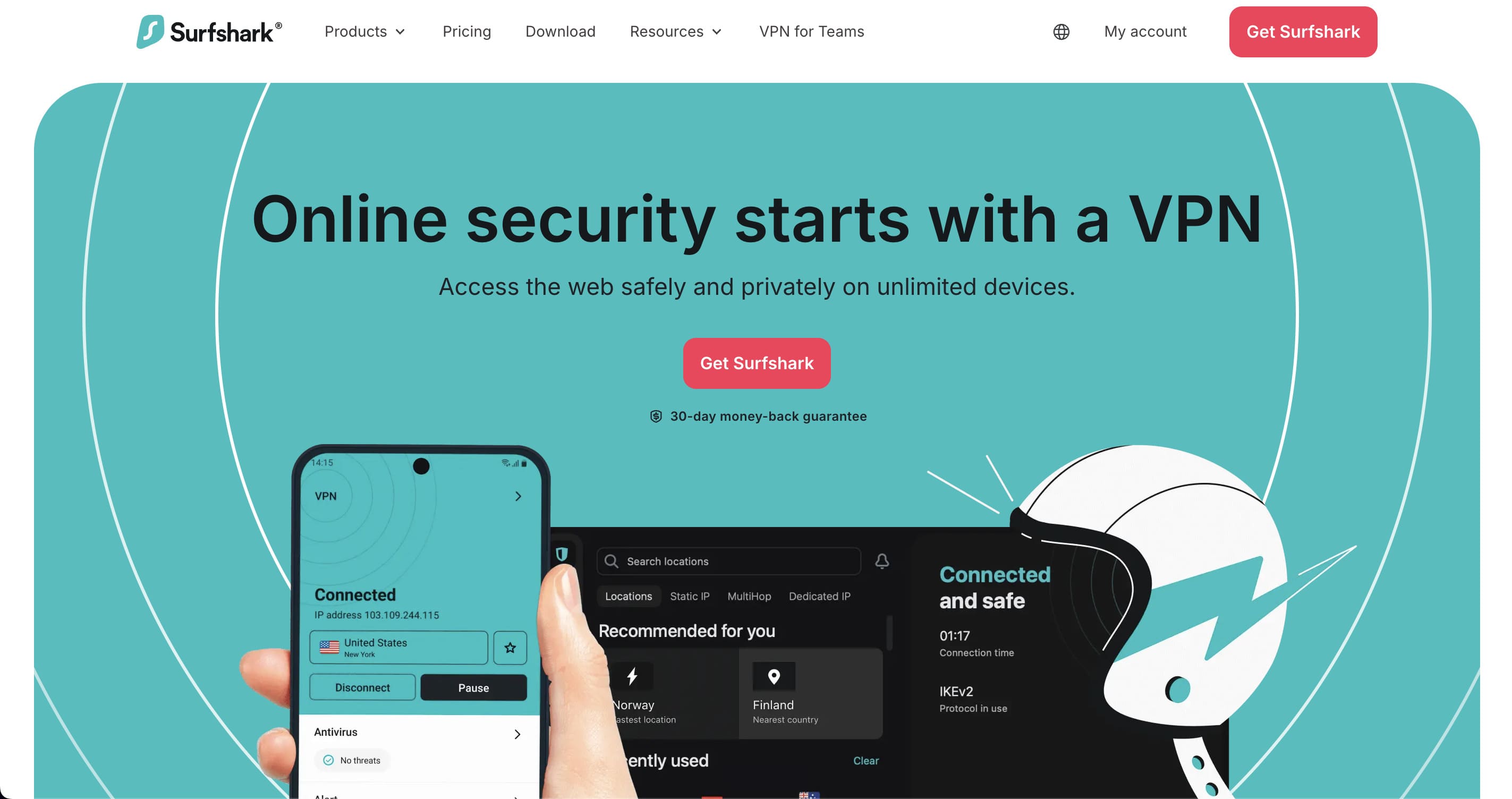
Surfshark is the other service in our own measurements. In London and New York it was level with NordVPN; in Tokyo and Los Angeles it trailed by 11% and 17%. It places no limit on simultaneous connections, which makes it the sensible choice for a household rather than a person. Audited by Deloitte, operating from the Netherlands, with Camouflage Mode for networks that filter VPN traffic.
| Surfshark | |
|---|---|
| Locations in this country | 1 city |
| Countries covered | 100 of the 155 we count |
| Money-back window | 30 days |
| Operates under the law of | the Netherlands |
| No-logs claim examined by | Deloitte |
| Features the provider names | CleanWeb, Dynamic MultiHop, rotating IP, Camouflage Mode, kill switch and split tunnelling (Bypasser) |
CyberGhost: the longest money-back window, with a catch
CyberGhost
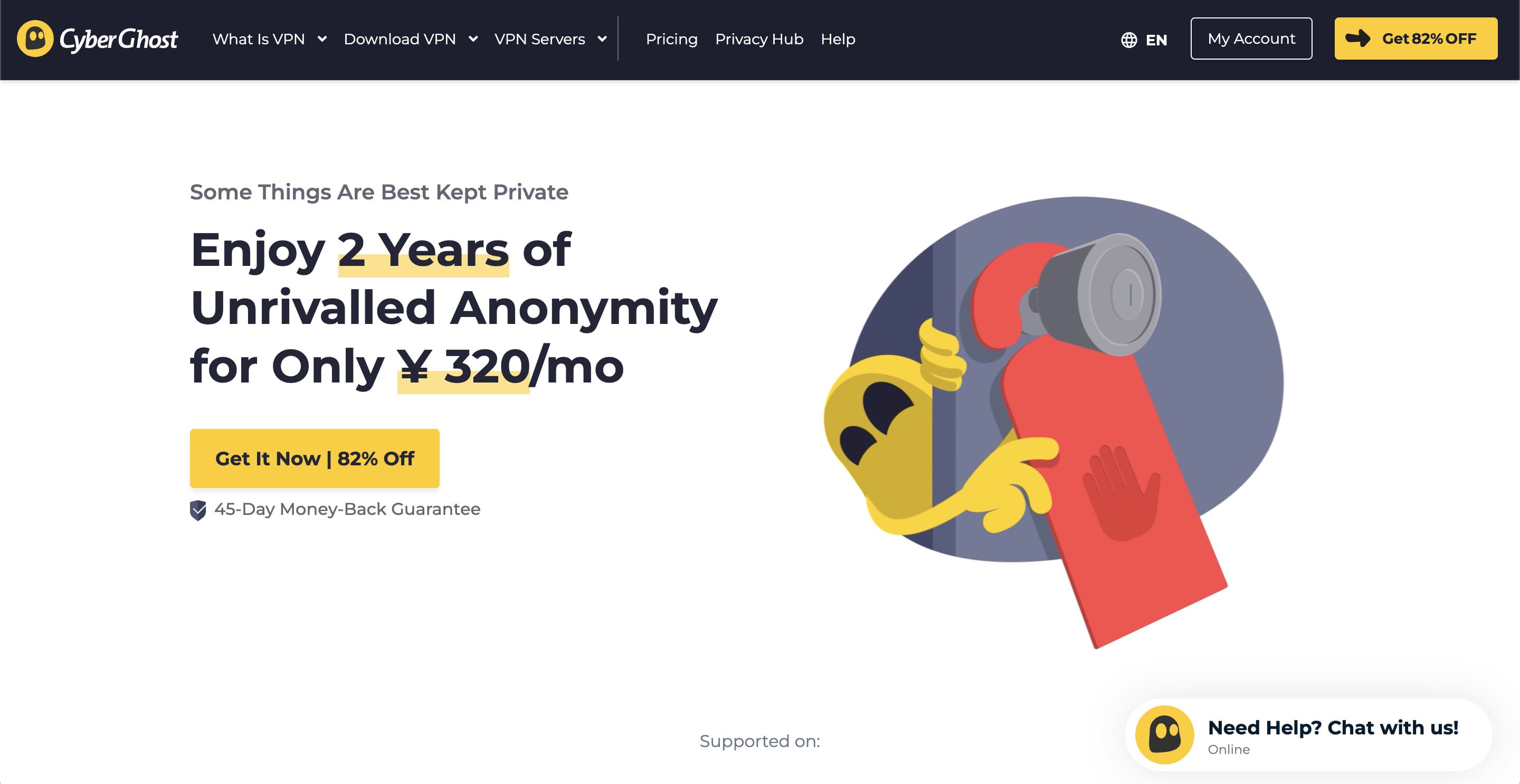
CyberGhost's 45-day money-back guarantee is the longest here, and it is the reason it appears on most lists. Read the condition: 45 days applies to the six-month and two-year plans, and the monthly plan gets 14 days. It publishes 10 multi-city countries, with 11 locations in the United States, but only a single city in Japan — so it is a weaker choice if Japanese services are your target.
| CyberGhost | |
|---|---|
| Locations in this country | 1 city |
| Countries covered | 100 of the 155 we count |
| Money-back window | 45 days (six-month and two-year plans; 14 days on monthly) |
Private Internet Access: unlimited connections, US jurisdiction
Private Internet Access
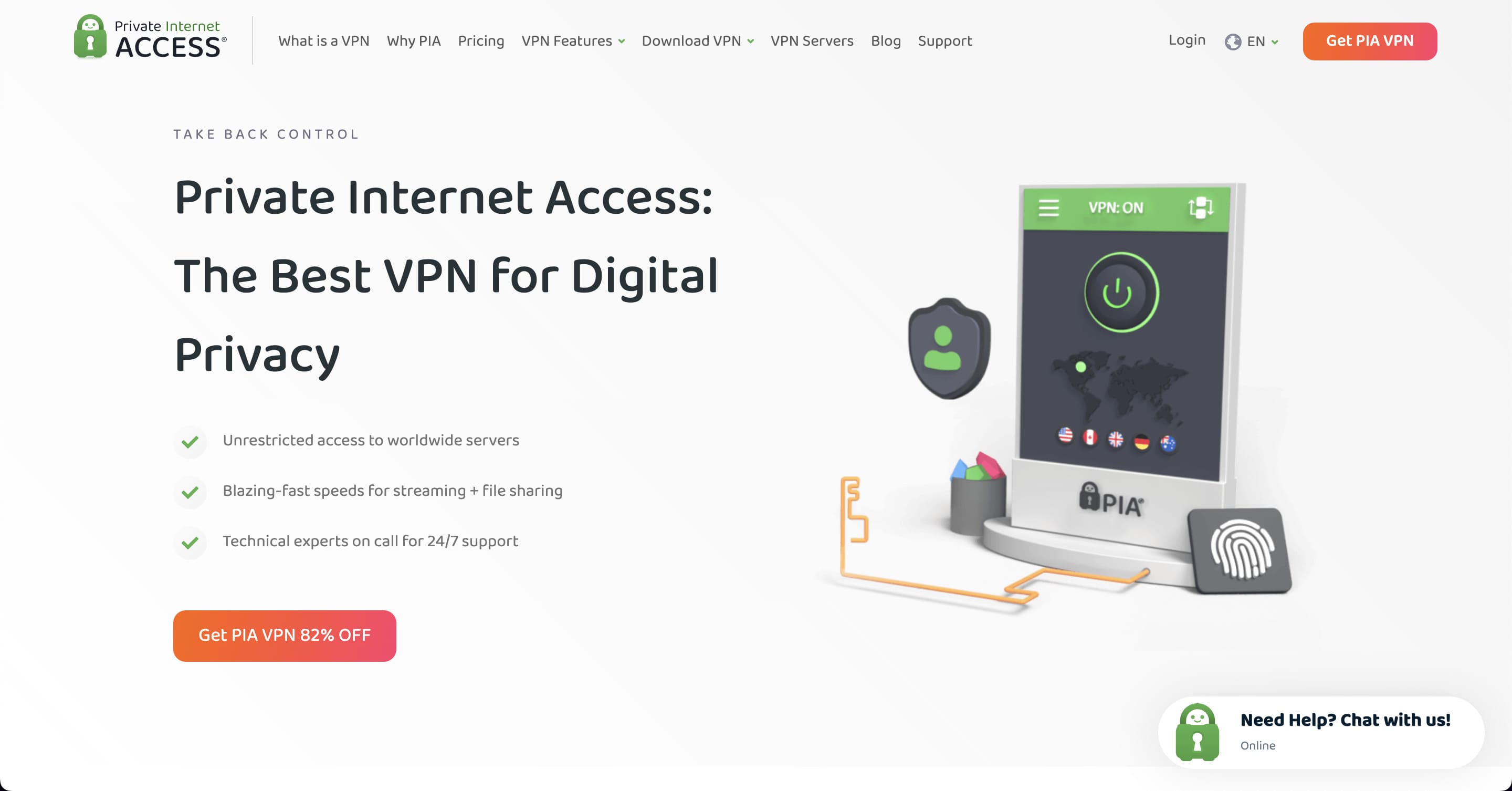
PIA places no limit on devices and publishes an Advanced Kill Switch, obfuscation, multi-hop and port forwarding. Its no-logs claim has been audited by Deloitte Audit Romania. The trade-off is jurisdiction: it operates from the United States, which some readers will rule out on principle. We list it because the rest of the record is strong and because it is one of only four providers with two or more cities in Japan.
| Private Internet Access | |
|---|---|
| Locations in this country | 2 cities |
| Countries covered | 104 of the 155 we count |
| Money-back window | 30 days |
| Operates under the law of | the United States |
| No-logs claim examined by | Deloitte (Deloitte Audit Romania) |
| Features the provider names | unlimited connections, PIA MACE ad and tracker blocking, Advanced Kill Switch, split tunnelling, multi-hop, obfuscation and port forwarding |
Frequently asked questions
Do I still need a VPN now that everything uses HTTPS?
For the content of what you send, HTTPS is doing that job. For which sites you connect to, no — that is visible to the network operator by default, and it is the gap a VPN closes.
Can I use a free VPN for this?
Usually not, and the reason is measurable rather than moral. Even on paid services we measured, between 10% and 60% of the raw line disappears into the tunnel — in Tokyo a 780 Mbps line came out at roughly half. Free tiers add a data cap and a much smaller server list on top of that. They also have to earn money somewhere, and where the product is free the revenue usually comes from the traffic itself.
Does it protect me if my device already has malware?
No. A tunnel carries whatever the device sends, including anything sent by software you did not intend to run. Encryption of a hostile connection is still a hostile connection.
Will it slow my connection down?
Yes, and we have measured how much: across 14 cities and 46 paired runs, between 40% and 90% of the raw line survived the tunnel. The variation between cities is wider than the variation between providers — London kept about 90% on both services we tested, Tokyo about half. If a VPN feels slow, the route is a more likely explanation than the provider.
Conclusion
The honest summary is narrow and worth having: a VPN removes the network operator's view of where you go, and a kill switch turns a silent reconnection into a visible failure. It does nothing about a fake login page or a compromised device.
We would rather write the narrow true version than the broad one that sells more subscriptions.
Every figure on this page comes from our own daily collection or our own measurements. The files are published as open data under CC BY 4.0, and the method — including what the numbers do not prove — is on how we test.