Browser extensions vs the full appOne application, not the device
An extension covers one browser. The app covers the device. That is not a convenience difference — it is a coverage difference, and it is the whole story.

Most providers ship a browser extension alongside the desktop app, and the pages describing them tend to present the extension as the lighter option. It is more useful to think of it as a different product that happens to share a brand.
The app builds a tunnel at the operating-system level, so every application goes through it. The extension changes the behaviour of one browser and nothing else. Everything that follows comes from that one distinction.
- The extension covers one browser; the app covers the whole device
- Other apps on the same device keep reporting your real country
- Many extensions are proxies rather than encrypted tunnels
- DNS lookups can still go around it, which undoes the point
- It is genuinely the better tool when you want split behaviour
The failure people do not notice
Turn on an extension, check what country a site thinks you are in, and it says the right thing. Meanwhile the desktop app of the same service, or a second browser, or an update checker running in the background, is reporting your real country. Everything looks correct and half the device is unchanged.
This matters most for streaming, where the browser and the app are frequently the same service. Watching in the browser works; opening the app fails; and the explanation is not obvious from either.
Proxy or tunnel — and why the word matters
A number of extensions are proxies rather than VPNs. A proxy forwards your request from another address; a VPN builds an encrypted tunnel. If the extension is a plain proxy, the network you are sitting on can still see where you are going, which removes the main reason to use one on a public network.
The distinction is rarely stated on the extension's store page. The reliable signal is what the provider says on its own site about what the extension does, and whether the extension works without the desktop app installed — extensions that simply control a running app are a different thing again.
The DNS problem
Even where the traffic goes through the extension, name lookups may not. If your browser asks your normal DNS server which address a site is at, your internet provider has the full list of sites you opened regardless of how the traffic travelled.
A full VPN client routes DNS through the tunnel by default and says so. Extensions vary, and it is worth testing rather than assuming: open a DNS-leak checker while the extension is on, and see whose server answers.
What we can and cannot check about extensions
We collect provider data at the account level — server locations, jurisdictions, audits, money-back windows — and those apply to the provider rather than to a particular client. What we do not collect is a per-extension feature list, and we are not going to publish one assembled from store descriptions.
So the practical advice is procedural rather than a table: check the provider's own documentation for whether its extension encrypts or proxies, whether it handles DNS, and whether it works standalone or only alongside the app. Those three answers decide what the extension is worth to you, and providers do state them — just not in the store listing.
When the extension is the right choice
It is not a worse product, it is a narrower one, and the narrowness is sometimes exactly what you want.
- You want one browser in another country and everything else local. Maps, food delivery and banking apps all work better on your real location.
- You are on a device where you cannot install software. A work laptop that allows extensions but not applications is the common case.
- You want two countries at once. One browser through the extension, the rest of the device untouched — that is genuinely awkward to arrange any other way.
- Speed on a specific tab matters. A proxy usually costs less throughput than a full tunnel, because it is doing less.
What it is not good for is the case most people buy a VPN for: covering the device on an untrusted network. For that, the app, and a kill switch — three of the seven providers we track publish one.
How much speed actually survives the tunnel
Every VPN site says a tunnel costs you speed. Almost none of them say how much. We measured it by hand rather than repeating a claim: 14 cities, 46 paired runs, comparing NordVPN and Surfshark against the same raw line in the same session. In the 11 cities where we also measured the bare line, the share that survived the tunnel ranged from 40% to 90%.
| City | Raw line | NordVPN | Surfshark | Paired runs |
|---|---|---|---|---|
| Tokyo | 780 Mbps | 444.9 Mbps (57%) | 399.9 Mbps (51%) | 9 |
| London | 790 Mbps | 712.6 Mbps (90%) | 713.5 Mbps (90%) | 9 |
| New York | 760 Mbps | 598.9 Mbps (79%) | 556.6 Mbps (73%) | 7 |
| Los Angeles | 530 Mbps | 358.8 Mbps (68%) | 305.8 Mbps (58%) | 5 |
Measured by VPN LIFE. Raw-line figures are rounded to the nearest 10 Mbps. Percentages are the share of the raw line that survived.
- 14 cities, 46 paired runs, measured by hand
- 11 of those cities also have the bare line measured
- 40% to 90% of the raw line survived
- We only name a winner in 4 cities — the rest have too few runs
The spread between cities is larger than the spread between providers. In London roughly nine tenths of the line survived on both services; in Tokyo it was closer to half. That is worth knowing before you blame the provider: "this VPN is slow" is usually "this route is slow".
We only call a winner in a city when we have five or more paired runs there and the gap is at least 10%. That threshold is met in 4 of the 14 cities — Tokyo and Los Angeles, where NordVPN averaged ahead, and London and New York, where the two were level. In the remaining ten cities we publish the numbers and say the sample is too small, rather than ranking on one run.
How much of the line survived the tunnel
How long you have to change your mind






The apps behind our measurements

The providers we track
We rank on what we can check. Each of the five below publishes a location in this use; the tables are our own counts and the providers' own published terms, not a summary of their marketing.
ExpressVPN: the widest spread of cities
ExpressVPN

ExpressVPN publishes more multi-city countries than anyone else in our set — 11 countries where you can pick between two or more locations, including 56 in the United States, 7 in the United Kingdom, 6 in Australia and 4 in Japan. If your problem is a blocked address rather than a missing country, that spread is the thing that gets you out of it. It is the most expensive option here, and it is the one we would pick for streaming.
| ExpressVPN | |
|---|---|
| Locations in this country | 4 cities |
| Countries covered | 112 of the 155 we count |
| Money-back window | 30 days |
NordVPN: the largest country list, and the one we measured
NordVPN

NordVPN covers more countries than anything else we track. It is also one of the two services we measured ourselves, so the retention figures above are its actual numbers rather than a claim. It operates from Panama, has been audited by Deloitte, allows 10 simultaneous connections, and lists obfuscated servers and a kill switch among its features — the two things that matter where VPN traffic is filtered.
| NordVPN | |
|---|---|
| Locations in this country | 2 cities |
| Countries covered | 150 of the 155 we count |
| Money-back window | 30 days |
| Operates under the law of | Panama |
| No-logs claim examined by | Deloitte |
| Features the provider names | Threat Protection, Double VPN, obfuscated servers, Meshnet, dedicated IP, kill switch and split tunnelling |
Surfshark: unlimited devices, and level with NordVPN in half our tests
Surfshark
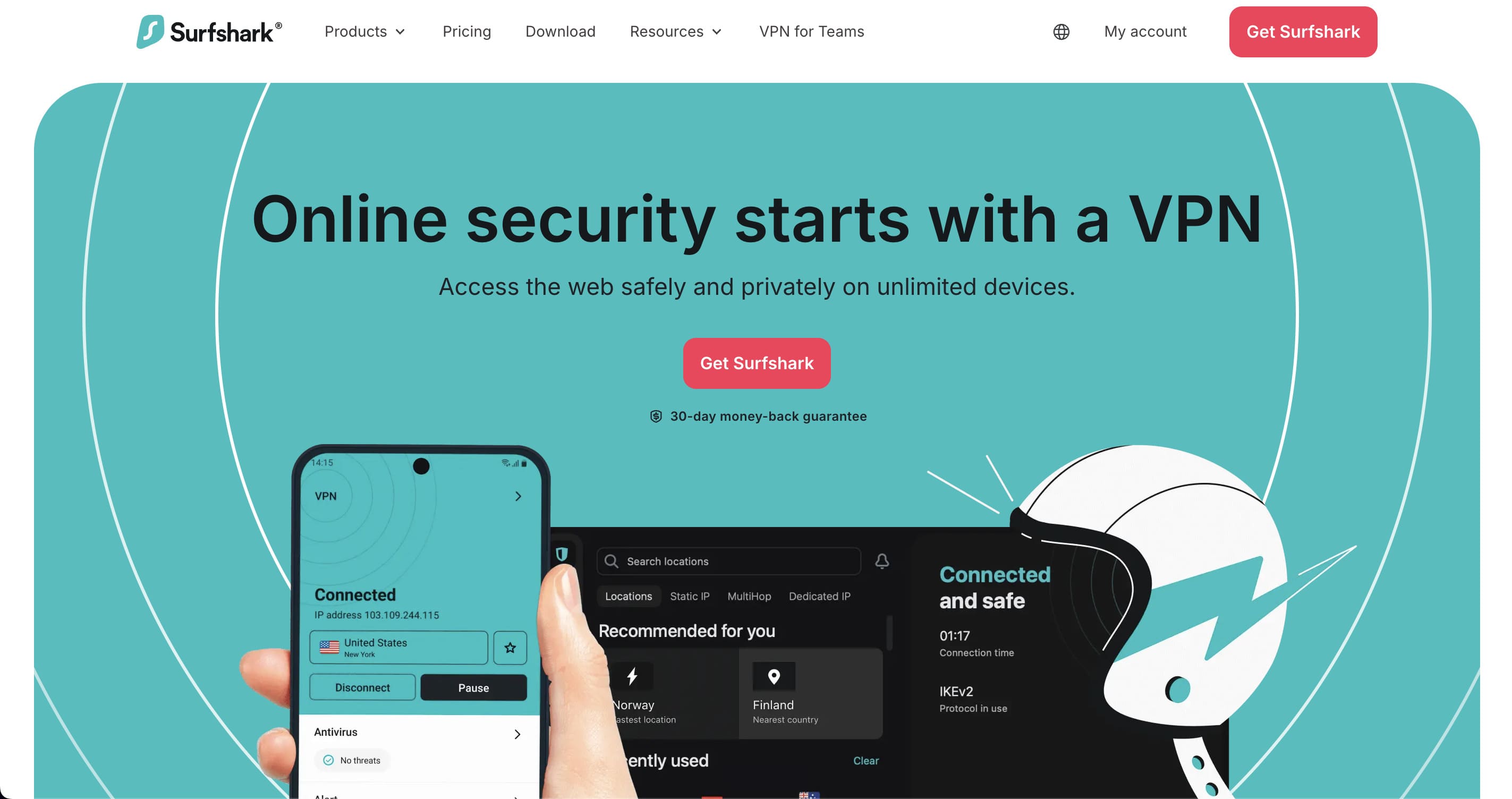
Surfshark is the other service in our own measurements. In London and New York it was level with NordVPN; in Tokyo and Los Angeles it trailed by 11% and 17%. It places no limit on simultaneous connections, which makes it the sensible choice for a household rather than a person. Audited by Deloitte, operating from the Netherlands, with Camouflage Mode for networks that filter VPN traffic.
| Surfshark | |
|---|---|
| Locations in this country | 1 city |
| Countries covered | 100 of the 155 we count |
| Money-back window | 30 days |
| Operates under the law of | the Netherlands |
| No-logs claim examined by | Deloitte |
| Features the provider names | CleanWeb, Dynamic MultiHop, rotating IP, Camouflage Mode, kill switch and split tunnelling (Bypasser) |
CyberGhost: the longest money-back window, with a catch
CyberGhost
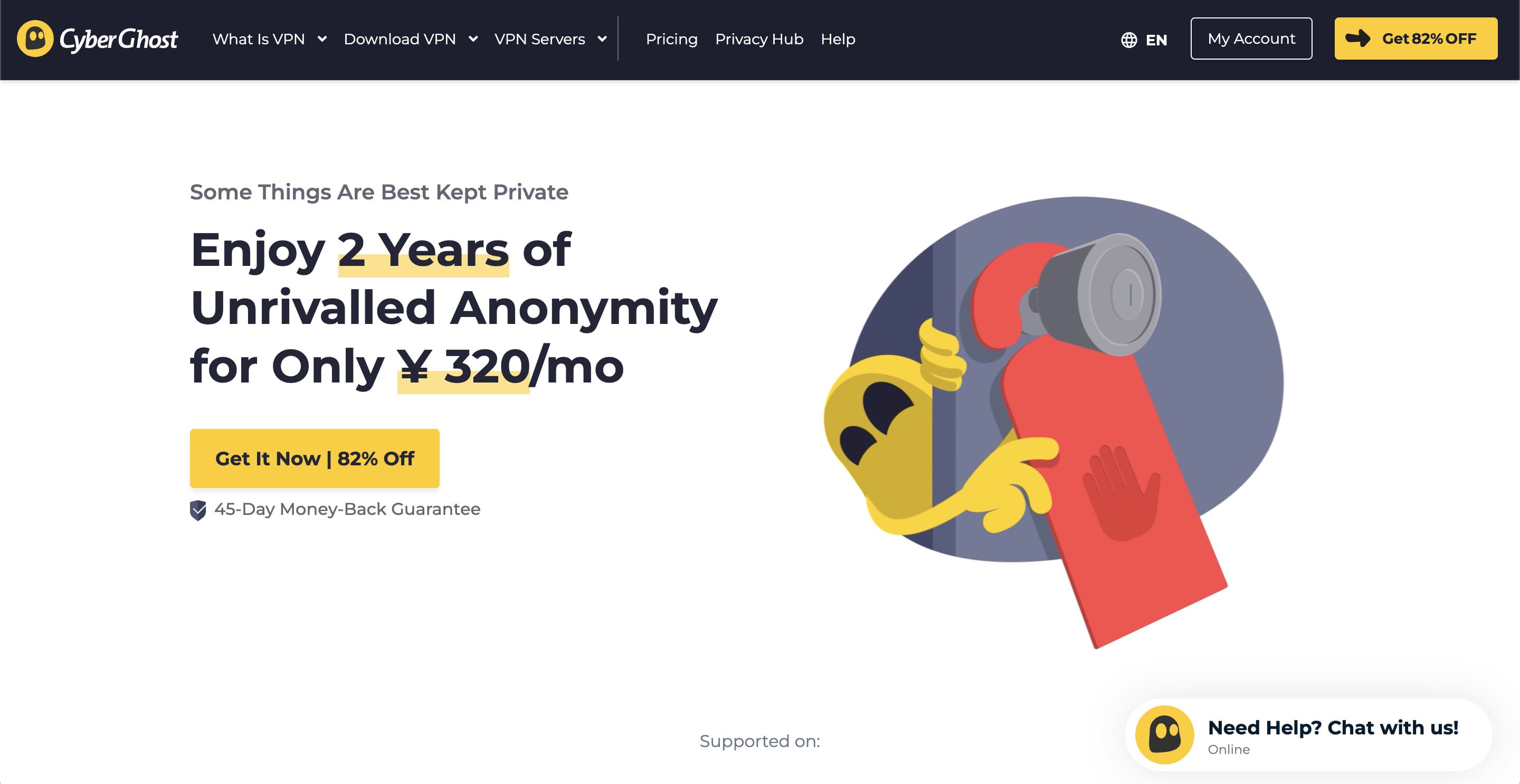
CyberGhost's 45-day money-back guarantee is the longest here, and it is the reason it appears on most lists. Read the condition: 45 days applies to the six-month and two-year plans, and the monthly plan gets 14 days. It publishes 10 multi-city countries, with 11 locations in the United States, but only a single city in Japan — so it is a weaker choice if Japanese services are your target.
| CyberGhost | |
|---|---|
| Locations in this country | 1 city |
| Countries covered | 100 of the 155 we count |
| Money-back window | 45 days (six-month and two-year plans; 14 days on monthly) |
Private Internet Access: unlimited connections, US jurisdiction
Private Internet Access
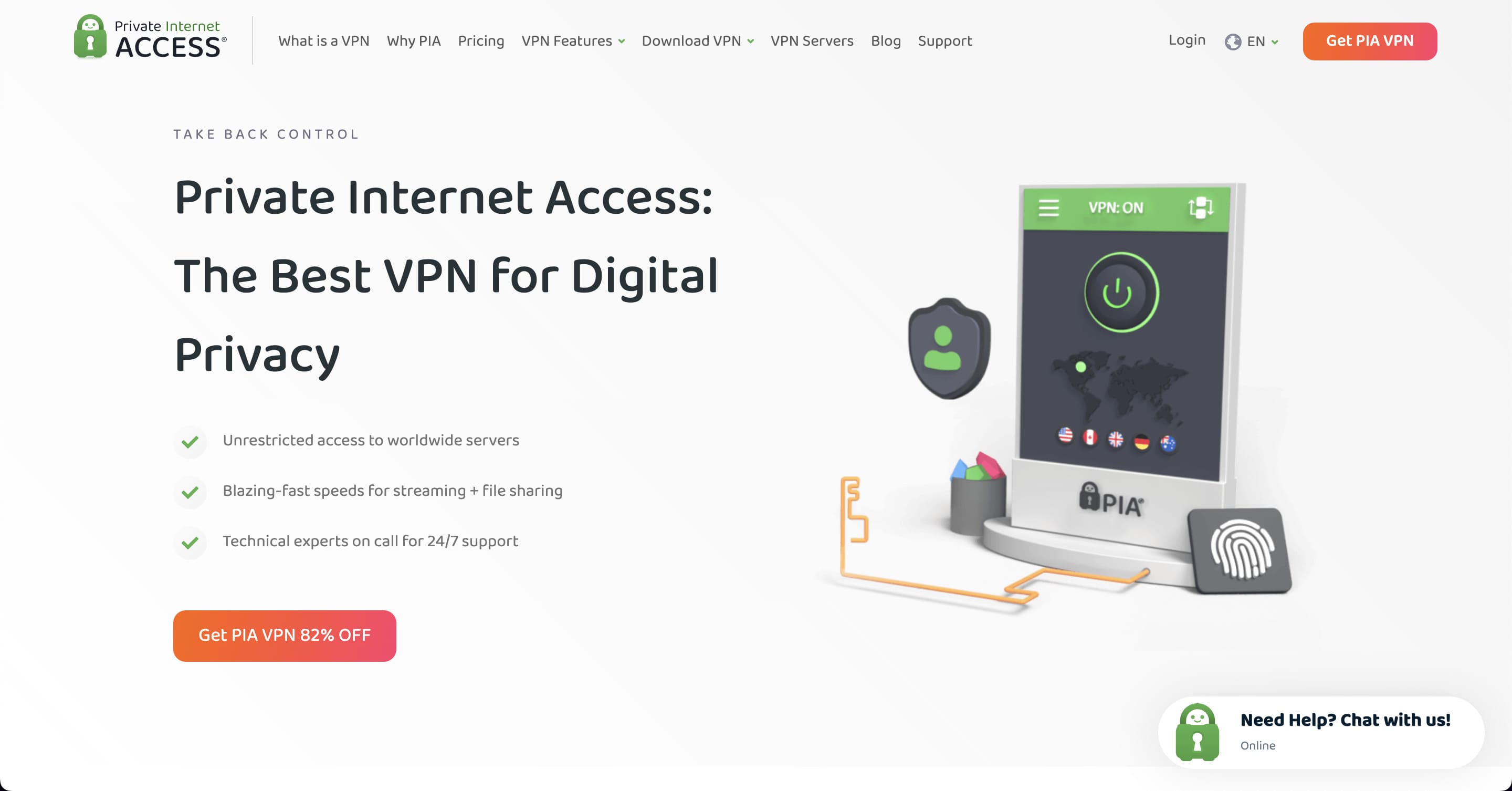
PIA places no limit on devices and publishes an Advanced Kill Switch, obfuscation, multi-hop and port forwarding. Its no-logs claim has been audited by Deloitte Audit Romania. The trade-off is jurisdiction: it operates from the United States, which some readers will rule out on principle. We list it because the rest of the record is strong and because it is one of only four providers with two or more cities in Japan.
| Private Internet Access | |
|---|---|
| Locations in this country | 2 cities |
| Countries covered | 104 of the 155 we count |
| Money-back window | 30 days |
| Operates under the law of | the United States |
| No-logs claim examined by | Deloitte (Deloitte Audit Romania) |
| Features the provider names | unlimited connections, PIA MACE ad and tracker blocking, Advanced Kill Switch, split tunnelling, multi-hop, obfuscation and port forwarding |
Frequently asked questions
Do I need the app if I have the extension?
If you want anything other than that browser covered, yes. They are not alternatives.
Are free VPN extensions safe?
A browser extension can read the pages you open, which is a great deal of access to hand to a free product with no stated revenue model. If you use one, prefer an extension from a provider that also sells a paid service and publishes audits.
Will it slow my connection down?
Yes, and we have measured how much: across 14 cities and 46 paired runs, between 40% and 90% of the raw line survived the tunnel. The variation between cities is wider than the variation between providers — London kept about 90% on both services we tested, Tokyo about half. If a VPN feels slow, the route is a more likely explanation than the provider.
What is a VPN, in one paragraph?
A VPN is an encrypted connection between your device and a server run by the provider. Everything you send goes through that tunnel, so the network you are sitting on sees only an encrypted link to one address, and the sites you open see the server's address rather than yours. That is the entire mechanism; the differences between providers are about where the servers are, how fast the route is, and what the provider keeps.
Conclusion
One browser or the whole device — decide which you need before you decide between products. Most of the disappointment with extensions comes from expecting the second and installing the first.
The speed figures above are for full tunnels, measured by us across 14 cities.
Every figure on this page comes from our own daily collection or our own measurements. The files are published as open data under CC BY 4.0, and the method — including what the numbers do not prove — is on how we test.